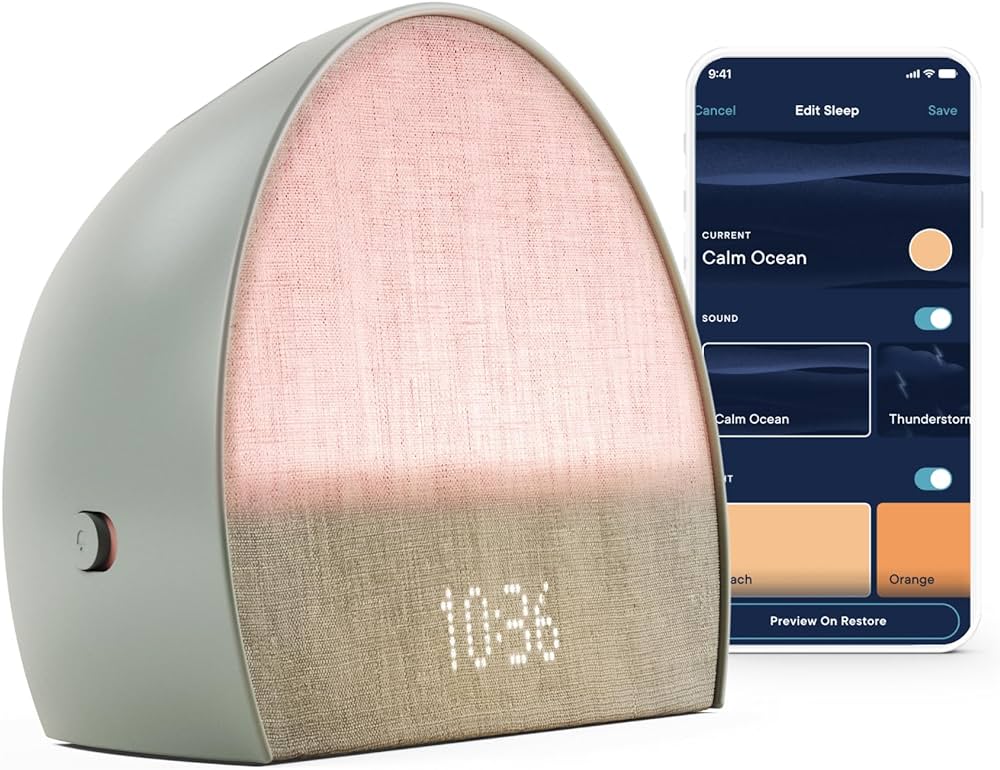
To reset a touch lamp, unplug the lamp for 10 seconds then plug it back in. If it has a dimmer, set it at the highest level to reset.
Resetting a touch lamp is a simple process that involves disconnecting the power source for a few seconds. Whether you are experiencing issues with the touch sensor or the lamp’s dimming function, a reset can often resolve these issues and restore normal operation.
By following a few easy steps, you can quickly reset your touch lamp and enjoy its functionality once more. Understanding how to reset a touch lamp can save you time and frustration when troubleshooting common issues with these convenient lighting fixtures.
Understanding The Touch Lamp Mechanism
Understanding the Touch Lamp Mechanism involves recognizing how the lamp activates upon touch. The lamp senses touch through a circuitry that responds to changes in capacitance.
Perceiving the Touch Activation is crucial to understanding the mechanism, as the lamp’s circuitry detects changes in the capacitance of the lamp body caused by touch. This change triggers the lamp to turn on or off based on the programmed response to touch input.
Analysing the Circuitry further reveals the intricacies behind touch lamp activation. By examining the circuitry, one can gain insights into the specific components and wiring responsible for touch-sensitive functionality.
Step-by-step Reset Process
To reset a touch lamp, follow these simple steps:
First, unplug the lamp from the power outlet and let it sit for a few minutes to allow any residual electricity to dissipate.
Next, check the light bulb to ensure it is properly seated in its socket and functioning. If necessary, replace the light bulb with a new one.
After ensuring the light bulb is in good condition, reconnect the lamp to the power source. Once plugged in, tap the lamp touch sensor a few times to see if it responds and turns on.
If the lamp still does not work, consider checking the power outlet and trying a different one. Following these steps should help reset your touch lamp and get it working again.
Advanced Tips For Persistent Issues
Replacing the Touch Sensor: To reset a touch lamp, first try replacing the touch sensor. This small component is often the culprit when the lamp fails to respond. Make sure to purchase the correct sensor for your lamp model.
Checking the Wiring Connections: If replacing the touch sensor doesn’t solve the issue, inspect the wiring connections. Sometimes loose or faulty connections can prevent the touch lamp from functioning properly.
Credit: www.nytimes.com
Frequently Asked Questions On How To Reset A Touch Lamp
How Do I Reset A Touch Lamp?
To reset a touch lamp, unplug it for a few seconds, then plug it back in. Avoid rapid cycling the power as it may cause damage. If the lamp has a dimmer feature, turn it off and back on to reset the touch function.
Why Is My Touch Lamp Not Working?
A touch lamp may not work due to a faulty bulb, poor electrical connection, or a malfunctioning touch control module. First, try changing the bulb. If the issue persists, check the power connection and consult a professional if necessary.
Can I Replace The Touch Sensor In My Lamp?
Yes, you can replace the touch sensor in your lamp if it’s malfunctioning. Purchase a compatible touch sensor and follow the manufacturer’s instructions for installation. Be sure to disconnect the lamp from the power source before attempting any repairs.
How Can I Troubleshoot A Touch Lamp?
Start by checking the power source and replacing the bulb. If the lamp still doesn’t respond to touch, inspect the wiring and connections for any issues. If necessary, consult a professional for further troubleshooting and repairs.
Conclusion
Resetting a touch lamp is a simple task that anyone can do. By following the steps outlined in this blog post, you can quickly troubleshoot and fix any issues with your touch lamp. With a little bit of patience and know-how, you can easily get your touch lamp back to working order.
Remember to always refer to the manufacturer’s instructions for specific guidance.

I’m Emily Johnson, an affiliate marketer and blogger focused on lamps and lighting. I share honest reviews, simple buying guides, and practical tips. My goal is to help readers choose the right lamp for their space, style, and budget with confidence.