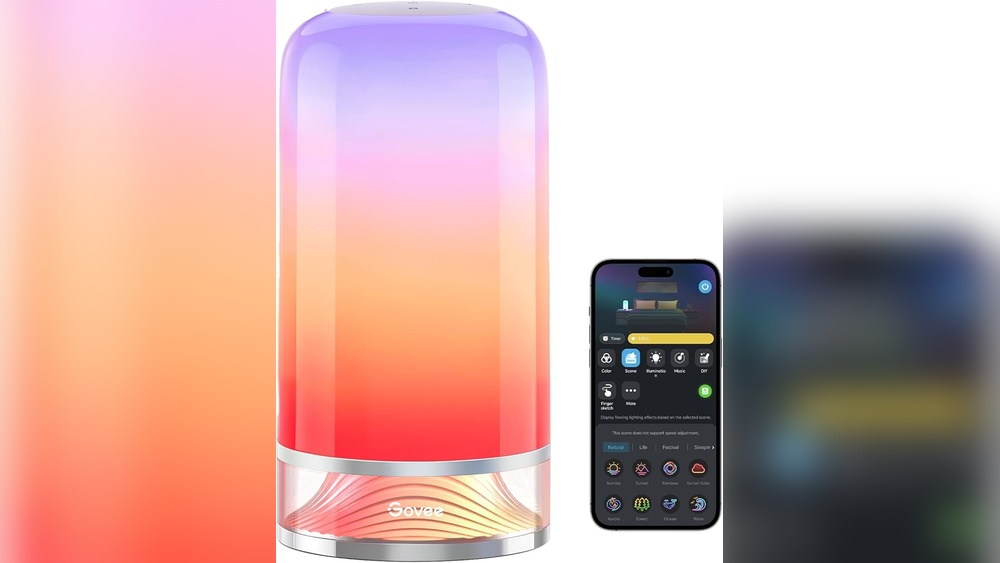
Have you ever wondered if Alexa can control your touch lamp? You’re not alone.
Many people love the convenience of voice commands but find themselves stuck when it comes to touch lamps. These lamps light up with just a tap, but can Alexa really work with them? Before you try pairing your smart assistant with your cozy bedside lamp, it’s important to understand how touch lamps function and what limitations you might face.
Keep reading to discover whether your touch lamp can join the smart home party and learn simple tricks to make your lighting truly hands-free.

Credit: www.amazon.com
Alexa Compatibility With Touch Lamps
Alexa compatibility with touch lamps depends on how the lamp’s sensor works. Many touch lamps need a physical touch to switch on or off. This makes direct voice control with Alexa tricky. Understanding how touch lamps function helps clarify this issue.
How Touch Lamps Work
Touch lamps use a sensor inside the lamp base. The sensor detects changes in electrical capacitance when you touch the lamp. This signal turns the lamp on or off. The lamp needs this physical touch to change its state.
When power is cut, some touch lamps lose their memory. They stay off until touched again. This feature can cause problems with smart plugs or voice assistants.
Alexa And Touch Sensor Interaction
Alexa sends commands to smart devices via Wi-Fi or Bluetooth. It controls devices with digital switches or smart bulbs. Alexa cannot directly trigger a lamp’s touch sensor. The sensor only reacts to physical contact.
Using a smart plug with a touch lamp may not work well. The smart plug controls power, but cannot simulate a touch. If the lamp needs a touch to turn on after power loss, Alexa cannot control it fully.
Some smart touch lamps come with built-in Alexa support. These lamps have smart chips that respond to voice commands. Others require smart bulbs or different switches to work with Alexa.
Smart Plugs And Touch Lamps
Smart plugs offer a simple way to add voice control to many lamps. But touch lamps can be tricky. These lamps turn on and off by sensing touch instead of using a regular switch. This can cause problems when using smart plugs with them.
Understanding how smart plugs interact with touch lamps helps you decide if they will work together. Testing compatibility is the first step. Knowing why some combinations fail explains the limits. Seeing when smart plugs do control lamps shows what is possible.
Testing Lamp Compatibility With Smart Plugs
Start by turning your touch lamp on with a touch. Then unplug the lamp from the wall socket. Plug it back in and watch closely. Does the lamp turn on by itself?
If the lamp turns on without touching it again, it is compatible with smart plugs. If it stays off, the smart plug cannot control it properly. This simple test saves time and avoids frustration.
Why Smart Plugs May Fail With Touch Lamps
Touch lamps need a physical touch to activate their sensor. Smart plugs only control power flow. They cannot send a touch signal to the lamp. When power cuts off, the lamp often turns off and stays off.
The smart plug can restore power, but the lamp’s sensor does not activate automatically. This causes the lamp to remain dark until touched again. That is why many touch lamps do not work well with smart plugs.
When Smart Plugs Successfully Control Lamps
Some touch lamps have a setting that lets them turn on automatically after power returns. These lamps work with smart plugs. The smart plug cuts and restores power, and the lamp lights up without a touch.
In this case, the smart plug acts like a normal switch. You can turn the lamp on and off with voice commands through Alexa. For lamps without this feature, consider using a smart bulb or replacing the lamp.
Alternative Solutions For Touch Lamp Control
Controlling touch lamps with Alexa can be tricky due to their unique design. They often require a physical touch to turn on or off, which smart plugs cannot replicate. This limitation calls for alternative ways to enjoy voice control with your lighting setup. Several options help you manage touch lamps or similar lamps using Alexa or other smart home systems.
Using Smart Bulbs With Touch Lamps
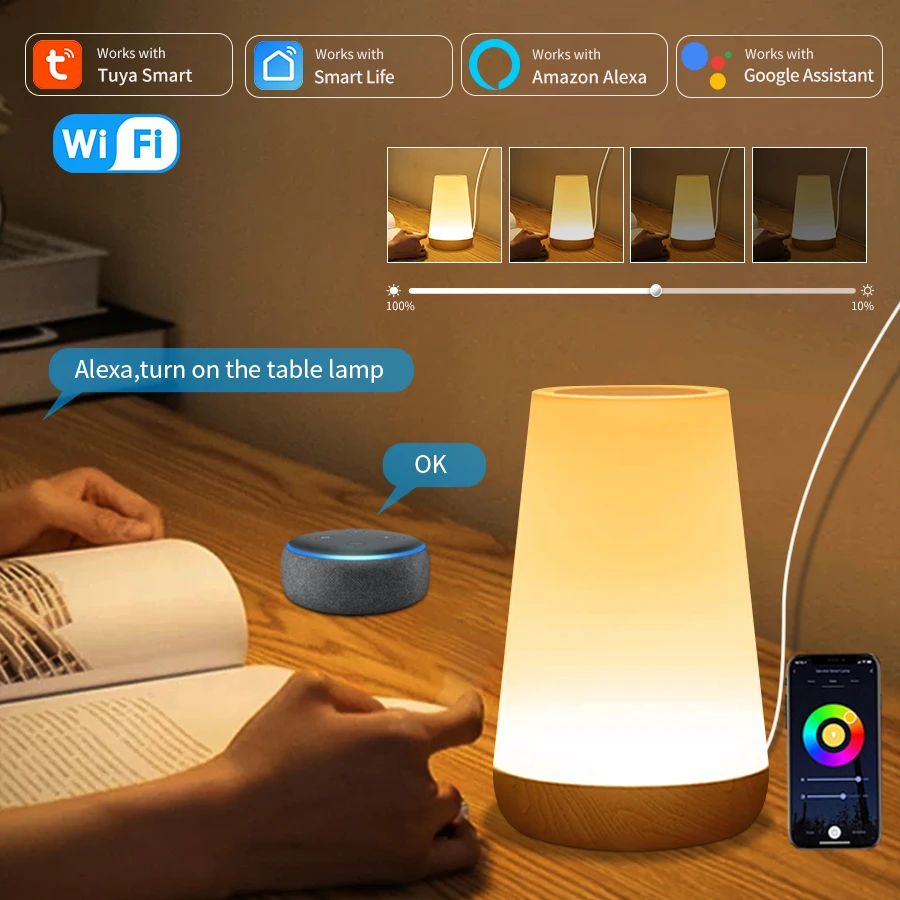
Smart bulbs fit into many touch lamps without changing the lamp itself. Set the touch lamp to its “on” position by touch. After that, use Alexa to control the smart bulb’s brightness and color. This method keeps the touch lamp functional while adding voice control. It works well if you want to keep your lamp’s look and feel.
Credit: www.aliexpress.com
Replacing Touch Lamps With Standard Switch Lamps
Standard switch lamps work better with smart plugs and Alexa. These lamps turn on or off by flipping a switch, which the smart plug can control. Replacing your touch lamp with a standard switch lamp removes the need for physical touch. Alexa can then easily control your lamp through smart plugs or smart bulbs. This option is simple and effective for voice control.
Converting Regular Lamps To Touch Lamps
Converting a regular lamp into a touch lamp is possible with special kits. These kits add a touch sensor to a standard lamp. After conversion, the lamp works by touch and can still use smart bulbs. This way, you get both touch and voice control options. It is a good choice for those who like touch lamps but want smart home features.
Tips For Alexa Integration
Integrating Alexa with your touch lamps can make your home lighting smarter and more convenient. Some touch lamps may not work directly with Alexa, but there are ways to control them effectively. Follow these tips to improve your Alexa experience with touch lamps. These simple steps can help you manage your lighting with voice commands and routines.
Setting Up Alexa Routines For Lamps
Create routines in the Alexa app to control your lamps automatically. For example, set a routine to turn lamps on or off at specific times. Routines can include multiple actions, such as dimming lights or changing colors if your lamp supports it. This feature helps automate your lighting without manual control.
To set up a routine, open the Alexa app and go to the “Routines” section. Choose a trigger like a voice command or schedule. Then, add an action to control your lamp through connected devices like smart plugs or smart bulbs. Save the routine and test it to ensure it works as expected.
Controlling Lamps Via Alexa App
Use the Alexa app to control your touch lamps remotely. The app shows all connected smart devices for easy management. You can turn lamps on or off, adjust brightness, or change colors if supported.
For touch lamps that do not respond to smart plugs, try using smart bulbs inside the lamp. The Alexa app controls these bulbs directly, bypassing the touch sensor. This method offers more reliable voice control and avoids power cycling issues.
Check your lamp’s compatibility with Alexa and smart devices before buying. Proper setup ensures smoother integration and better user experience.
Troubleshooting Common Issues
Troubleshooting common issues with Alexa and touch lamps can save time and frustration. Touch lamps have unique behaviors that may cause problems when paired with Alexa or smart plugs. Understanding typical issues helps keep your smart home running smoothly.
Power Cut And Lamp Behavior
Touch lamps often need a manual touch to turn on after power returns. When power cuts off, the lamp may not turn on automatically. This can confuse Alexa or smart plugs that control power flow only. Testing your lamp is simple. Turn it on, unplug it, then plug it back in. If it does not turn on by itself, Alexa cannot control it through a smart plug. This happens because the lamp’s sensor waits for a physical touch, not a power signal.
Maintaining Connection With Smart Devices
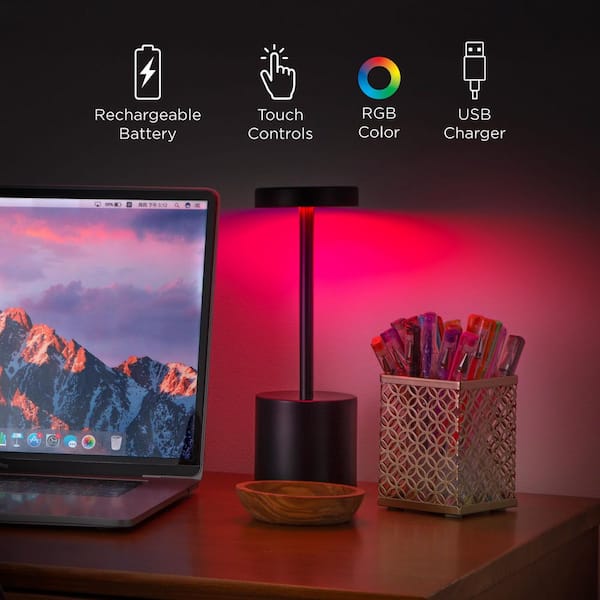
Stable connection is key for Alexa to control your touch lamp. Wi-Fi interruptions or weak signals cause Alexa commands to fail. Keep your smart plug or smart bulb updated with the latest firmware. Place your smart hub or router near your smart devices to reduce connection issues. Restart your Alexa device and smart plug if commands do not work. Regularly check your app settings to confirm the devices are linked properly. This ensures smooth control and quick response from Alexa.
Credit: www.homedepot.com
Frequently Asked Questions
Will Alexa Work With Touch Lamps?
Alexa cannot directly control traditional touch lamps. Smart plugs only work if the lamp turns on automatically when powered. For touch lamps requiring a touch to reactivate, Alexa via smart plug won’t work. Using smart bulbs or lamps with standard switches offers better Alexa compatibility.
Will A Smart Plug Work With A Touch Lamp?
Smart plugs usually don’t work with touch lamps needing a tap to turn on after power cuts. Test by unplugging and plugging in; if it stays off, a smart plug won’t control it. Use a lamp with a standard switch or a smart bulb instead.
How Do I Get Alexa To Turn On My Lamps?
Enable Alexa to control your lamps by connecting smart plugs or smart bulbs. Ensure lamps have standard switches or stay on when powered. Then, link devices via the Alexa app to use voice commands for turning lamps on or off.
What Lights Are Compatible With Alexa?
Alexa works with smart bulbs and lamps from brands like Philips Hue, LIFX, TP-Link Kasa, and Sengled. Smart plugs control standard lamps that turn on automatically when powered. Touch lamps often need manual reset, so smart plugs may not work unless the lamp stays on after power loss.
Conclusion
Touch lamps often need a physical touch to turn on after power cuts. Smart plugs only control power flow and cannot activate touch sensors. Test your lamp by unplugging and plugging it back in to see if it turns on alone.
If it does, a smart plug can control it. If not, try using a smart bulb or replace the lamp with one that has a regular switch. This way, you can enjoy voice control with Alexa without any hassle.

I’m Emily Johnson, an affiliate marketer and blogger focused on lamps and lighting. I share honest reviews, simple buying guides, and practical tips. My goal is to help readers choose the right lamp for their space, style, and budget with confidence.