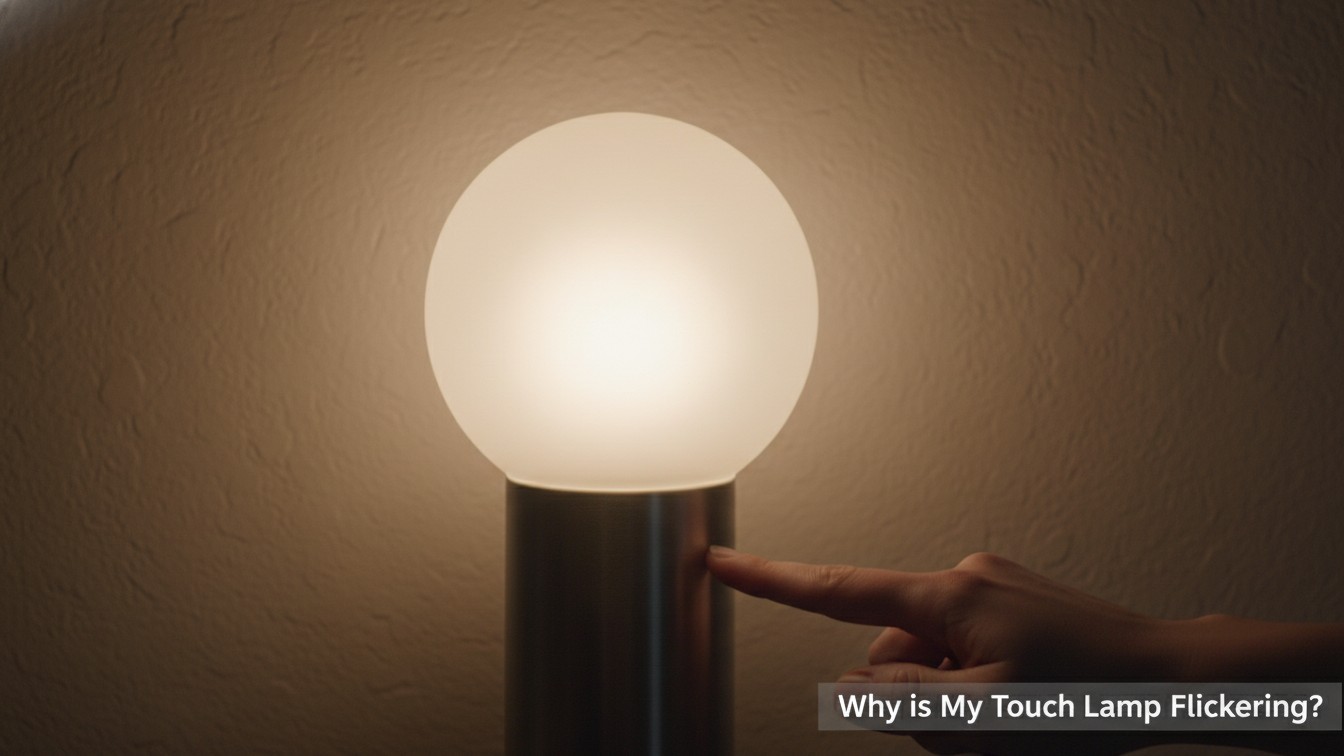
It’s annoying when your touch lamp starts acting up. You just want a steady light, but instead, you get a quick flash or a constant flicker. Many people ask, “Why is my touch lamp flickering?”
This problem can be frustrating. It often points to a simple issue, though. We will explore the common reasons behind this light trouble. You can then find the right fix for your lamp.
The Bulb is Often the Culprit: Why Your Touch Lamp Flickers

Often, the problem isn’t the lamp itself, but the light bulb. An old or wrong type of bulb can make your touch lamp flicker. This is one of the most common reasons.
Wrong Bulb Type
Touch lamps need specific bulbs. Many older touch lamps work best with incandescent bulbs. LED bulbs, especially cheaper ones, might not work well with the lamp’s dimmer function. They can cause flickering.
Loose or Faulty Bulb
A bulb that isn’t screwed in tightly can flicker. The connection is not solid. Also, a bulb nearing its end of life might flicker before burning out completely. Try replacing it with a new, compatible bulb.
“Always check the bulb first. It’s the easiest fix and often solves the problem quickly.”
Troubleshooting the Touch Sensor Module
The touch sensor is the heart of your lamp. It detects your touch and changes the light setting. If this part is faulty, your touch lamp might start flickering. This is a common point of failure over time.
Worn-Out Sensor
Like any electronic part, touch sensors can wear out. Constant use can make them less reliable. A failing sensor might send inconsistent signals to the bulb. This results in the dreaded flicker.
Sensor Sensitivity
Sometimes, the sensor becomes too sensitive. It might pick up tiny electrical changes in the air or from other devices. This can make the lamp flicker randomly.
TOUCH LAMP SENSOR CHECK:
-
- Unplug Lamp
-
- Remove Base (if possible)
-
- Inspect Sensor Wires
-
- Clean Area
-
- Test with New Bulb
Addressing Loose or Damaged Wiring in Your Touch Lamp

Internal wiring issues can definitely cause your touch lamp to flicker. A loose wire means an unsteady flow of electricity. This directly affects the bulb’s power.
Loose Connections
Over time, wires inside the lamp can become loose. This happens from moving the lamp or just from normal use. Check the connections at the bulb socket and inside the lamp base.
Always unplug the lamp first.
Frayed or Damaged Wires
Visible damage to the lamp cord or internal wires is a serious concern. Frayed wires can lead to short circuits or inconsistent power. This is not only a cause for flickering but also a safety hazard.
| Wire Issue | Symptom | Action |
|---|---|---|
| Loose connection | Intermittent flicker | Tighten screw terminals |
| Frayed insulation | Constant flicker, spark | Replace wire/lamp, safety first |
| Wire pinched | Random flickering | Re-route wire, ensure no pressure |
Power Supply Problems and Why Your Touch Lamp is Flickering
The power coming into your lamp is crucial. Issues with your home’s electrical supply can make a touch lamp flicker. This goes beyond just the lamp itself.
Faulty Outlet
The wall outlet might be the problem. Try plugging your lamp into a different outlet. If the flickering stops, the first outlet might be faulty. It could have loose internal wiring.
Power Surges or Fluctuations
Sometimes, the electricity coming into your home isn’t steady. Small power surges or dips can make lights flicker. This is more noticeable with sensitive touch lamps.
Consider a surge protector if this happens often.
“Unstable power is a hidden enemy for many electronics, including your touch lamp.”
Electrical Interference and its Impact on Touch Lamps

Other electronic devices nearby can interfere with your touch lamp. This is a common reason why a touch lamp is flickering. It’s all about electromagnetic fields.
Nearby Electronics
Devices like speakers, radios, or even cell phones can create electromagnetic interference (EMI). Touch lamps are sensitive to these fields. Moving these devices away might stop the flickering.
Dimmer Switches
If your touch lamp is plugged into an outlet controlled by a wall dimmer, it can cause problems. Touch lamps usually have their
own dimmer circuit. Double dimming can lead to flickering or not working at all.
INTERFERENCE CHECKLIST:
-
- Move other devices away -> Test Lamp
-
- Unplug devices one by one -> Test Lamp
Check if outlet is on dimmer circuit -> Relocate Lamp if so
Overheating: A Hidden Cause for Your Flickering Touch Lamp
Touch lamps, like other electronics, can get hot. If a lamp gets too hot, it can cause parts to malfunction. This might make your touch lamp flicker.
Poor Ventilation
Some lamps have small spaces for air to flow. If dust builds up or if the lamp is in a very enclosed spot, heat can get trapped. This can damage internal components over time.
Prolonged Use
Leaving a touch lamp on for many hours can also cause it to overheat. Give your lamp a break sometimes. This can extend its life and prevent flickering issues related to heat stress.
Too much heat is bad for electronics. Keep your lamp cool.
Environmental Factors: Dust and Humidity Affecting Touch Lamps

Believe it or not, your surroundings can impact your touch lamp. Things like dust and moisture might make your touch lamp flicker. They can affect how sensitive the sensor is.
Dust Buildup
Dust can settle on the internal components of your lamp. This includes the touch sensor itself. A layer of dust can interfere with the sensor’s ability to detect touch. It can also cause electrical resistance.
Humidity and Moisture
Moisture in the air, or even a damp cloth used for cleaning, can affect electronics. Humidity can cause slight short circuits or make connections less reliable. Keep your lamp in a dry place.
Avoid cleaning with wet cloths while plugged in.
Age and Wear: When Touch Lamp Components Give Out

Nothing lasts forever, and that includes your touch lamp. Over many years of use, internal parts can simply wear out. This natural aging process is a common reason why a touch lamp is flickering.
Component Degradation
Small electronic parts like resistors, capacitors, and the touch sensor itself have a lifespan. They can become less efficient over time. This makes the lamp unreliable and prone to flickering.
Internal Connections
Even the best-made lamps can develop weak solder joints or brittle wires after years of heating and cooling cycles. These tiny breaks can cause intermittent flickering.
“Sometimes, the simplest answer is that your lamp has lived a long and useful life. Replacing it might be the best option.”
Conclusion: Solving Why is My Touch Lamp Flickering

Finding out why is my touch lamp flickering might seem tricky at first. But usually, the cause is one of a few common issues. It could be the bulb, a loose wire, or even the power supply.
Start with the easiest fixes first. Try a new bulb and check the power outlet. Then, look at the lamp’s internal parts if you feel comfortable. With a little troubleshooting, you can often bring your favorite touch lamp back to life. Enjoy your steady, reliable light once again!
Frequently Asked Questions
What type of bulb should I use in my touch lamp?
Most touch lamps work best with incandescent bulbs. Some newer LED bulbs are compatible, but check the lamp’s instructions. Incompatible LEDs often cause flickering or don’t work at all.
Can a loose wire cause my touch lamp to flicker?
Yes, a loose connection at the bulb socket or within the lamp’s wiring is a common cause. Always unplug the lamp first before checking or tightening any connections for safety.
How can I check if the wall outlet is causing the flickering?
Try plugging the lamp into a different wall outlet. If the flickering stops, the original outlet might be faulty. If it continues, the problem is likely with the lamp itself or the bulb.
Can other electronics make my touch lamp flicker?
Yes, other electronic devices nearby can create electromagnetic interference. Try moving devices like phones, speakers, or radios away from the lamp to see if the flickering stops.
My touch lamp keeps flickering even with a new bulb. What should I do?
First, try replacing the bulb. If that doesn’t work, check for loose wires or try a different outlet. If the problem continues, the touch sensor might be faulty, or the lamp might be too old and needs replacement.

I’m Emily Johnson, an affiliate marketer and blogger focused on lamps and lighting. I share honest reviews, simple buying guides, and practical tips. My goal is to help readers choose the right lamp for their space, style, and budget with confidence.