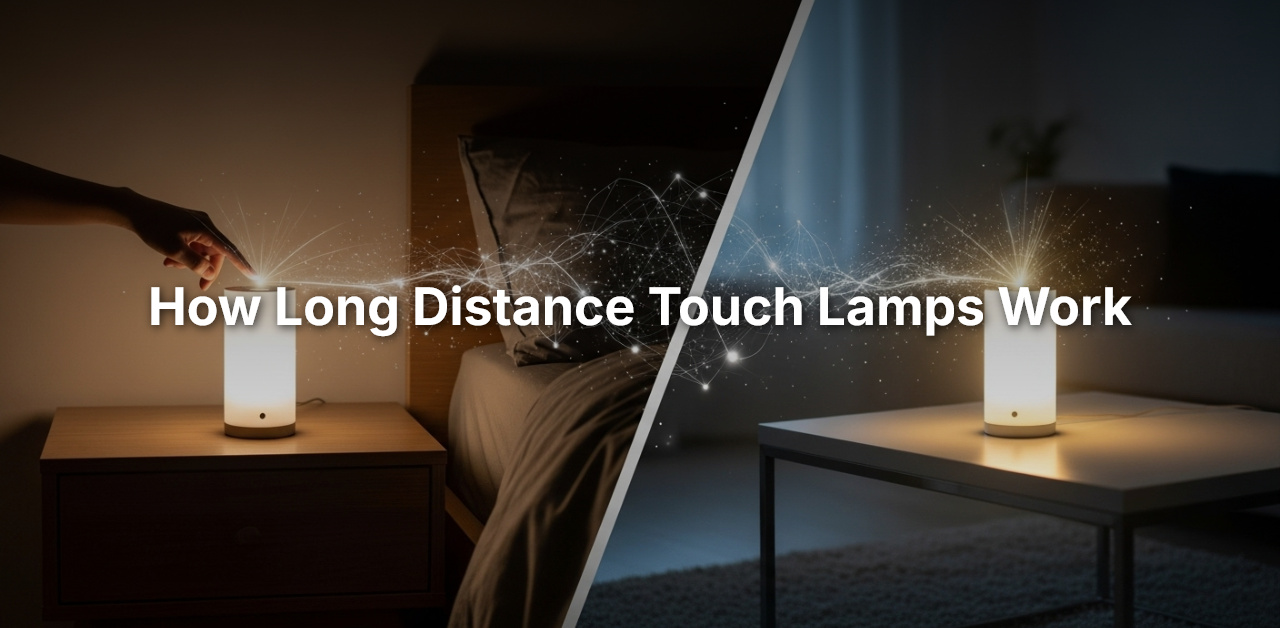
Long distance touch lamps work by connecting to each other via Wi-Fi and allowing users to choose a unique color. When one lamp is touched, all other lamps connected to that ID light up in the chosen color.
These lamps use a simple sensor that reacts to touch, operating similarly to a normal capacitor. Friendship lamps enable individuals to connect with their loved ones in different locations by simply touching their lamp to let the other person know they are thinking of them.
These lamps can be personalized with different colors and animations and are connected to the internet through Wi-Fi, making it possible to convey messages through light.
Long Distance Touch Lamps Explained
Long-distance touch lamps work through Wi-Fi. Each user picks a color for their lamp. When one person touches their lamp, all the other lamps with the same ID light up in that color. It’s a simple way to show someone you’re thinking of them.
The Concept of Long-Distance Touch Lamps
These lamps connect through Wi-Fi so people in different places can share a small moment with a single touch. Each lamp has a special ID, similar to a Zoom meeting ID. Only lamps with the same ID can connect. When someone touches their lamp, all lamps with that ID glow in the same color. This creates a warm and meaningful way to stay close, even when far apart.
Core Technology Behind Long-Distance Connectivity
These lamps use Internet of Things (IoT) technology. A touch sensor inside the lamp detects when someone touches it. The lamp then sends a signal over the internet to the other connected lamps. This lets people share a simple light signal across long distances.
Essential Components: Sensors, Internet, LEDs
- Sensors: The lamp has a touch sensor that reacts when you touch it.
- Internet: The lamp connects to Wi-Fi so it can send and receive signals.
- LEDs: These lights change color when a signal arrives from another lamp.
Together, these parts create a simple and touching way for people to feel connected from anywhere.
Discover Touch Lamp Connectivity
Long-distance touch lamps use Wi-Fi to link together. Users choose a color, and when one lamp is touched, all the connected lamps light up with the same color. It’s a sweet way to show love from afar.
Wi-Fi as the Backbone of Lamp Communication
Each lamp has a Wi-Fi module. This lets it connect to the internet so it can send and receive signals from other lamps.
Pairing Lamps With Unique Identifiers
Every lamp gets a unique ID. Users enter this ID during setup to link their lamps. Only lamps with the same ID can talk to each other, making the connection private and personal.
Signal Transmission and Color-Code Signals
When you touch your lamp, it sends a signal through Wi-Fi. The other lamps with the same ID then light up. Each person can choose their own color, so everyone knows who touched their lamp. This adds a personal and thoughtful touch.
Personalizing Your Experience
Long-distance touch lamps let you customize your communication in simple and fun ways.
Selection and Significance of Colors
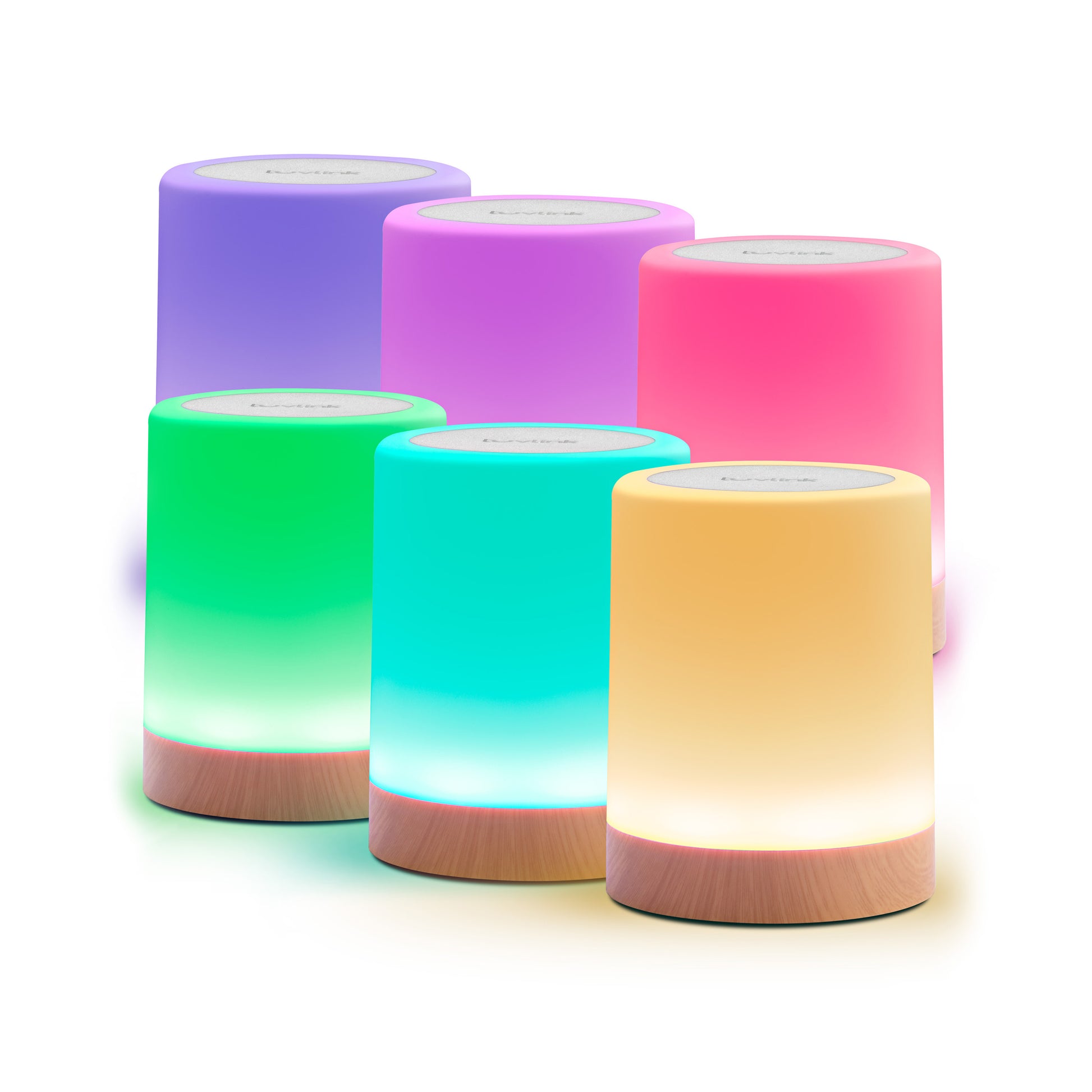
Users can choose their own color. This makes each touch more personal. When you touch your lamp, all connected lamps glow in your chosen color, creating a shared moment.
Customizing Light Intensity and Patterns
Some lamps let you change brightness and choose light patterns, like fading or pulsing. This makes the experience more creative.
Synchronization Across Time Zones
These lamps work in real time, no matter where each person lives. A touch from you appears instantly on your partner’s lamp, even if you’re in different time zones.
Credit: www.luvlink.com
Connect Beyond The Glow
Long distance touch lamps work by connecting to each other through a unique ID. Users can choose their own color, and when they touch their lamp, all connected lamps will light up in the same color, allowing them to communicate with loved ones from afar.
Emotional Impact Of Staying Connected
Long distance touch lamps may seem like a simple piece of technology, but they have a profound emotional impact on individuals who use them to stay connected with their loved ones. These lamps go beyond just being a source of light; they serve as a powerful symbol of love, care, and presence.
When you and your loved one have a set of long distance touch lamps, every time you touch your lamp, a message of love and affection is conveyed instantly to your special someone. The emotional impact of this simple act of touch is immeasurable, as it creates a sense of closeness and reassurance, even when physically apart.
Case Studies: Stories Of Connection Through Lamps
Countless stories have emerged of the deep connection and joy that long distance touch lamps bring to people’s lives. Let’s take a look at some heartwarming case studies that highlight the power of these lamps in fostering emotional bonds:
| Case Study 1 | A couple, Sarah and John, who live in different countries, found solace in their long distance touch lamps. Despite the distance, they were able to stay connected and feel each other’s presence through the simple act of touching their lamps. Each time Sarah touched her lamp, John’s lamp would light up, reminding him that she was thinking of him. This small gesture brought them closer, even when they couldn’t physically be together. |
|---|---|
| Case Study 2 | Emma and David, long-time best friends who now live in different states, found a unique way to strengthen their friendship using long distance touch lamps. Whenever Emma felt down or needed a pick-me-up, she would touch her lamp, and David’s lamp would instantly illuminate with a warm glow. This simple act of friendship created a sense of comfort and support between them, despite the physical distance. |
Psychological Benefits Of Non-verbal Communication
Non-verbal communication is a powerful tool that allows us to express emotions and strengthen connections with others, even without exchanging words. Long distance touch lamps tap into this concept, providing a unique medium for non-verbal communication.
Psychological research suggests that non-verbal communication plays a crucial role in building trust, empathy, and intimacy between individuals. When you touch your long distance touch lamp, you are silently conveying a message of love, care, and presence to your loved ones.
This non-verbal communication through touch stimulates the release of oxytocin, commonly known as the “love hormone,” in the brain. Oxytocin promotes feelings of trust, bonding, and emotional well-being. By using a long distance touch lamp, you can experience the psychological benefits of non-verbal communication, enhancing your emotional connection with your loved ones.
Setting Up Your Touch Lamp
Long distance touch lamps work by connecting to each other via Wi-Fi. When one user touches their lamp, all lamps connected to the same ID online will light up in the same color, creating a unique way to stay connected with loved ones.
Unboxing And Initial Setup Steps
Setting up your touch lamp is a simple process that can be done in just a few steps. To get started, follow the unboxing and initial setup steps below:
- Unbox the touch lamp: Carefully remove the lamp from its packaging, ensuring that all parts and accessories are included.
- Connect the lamp to power: Plug the lamp into a power outlet using the provided power cord.
- Turn on the lamp: Locate the on/off switch or button on the lamp body and turn it on.
- Connect the lamp to Wi-Fi: Most touch lamps require a Wi-Fi connection for setup. Follow the manufacturer’s instructions to connect the lamp to your home network.
- Download the companion app: In order to control and customize the lamp, you may need to download a companion app provided by the manufacturer. Check the packaging or instructions for details.
- Pair the lamp with the app: Open the companion app on your smartphone or tablet and follow the on-screen instructions to pair the lamp with the app.
- Follow the setup wizard: The companion app may have a setup wizard that will guide you through the process of configuring the lamp’s settings, such as brightness levels and color options. Follow the prompts to customize your lamp to your preferences.
- Test the touch functionality: Once the setup is complete, test the touch functionality of the lamp by touching its surface. The lamp should respond by turning on or changing colors.
Integrating Touch Lamps With Home Networks
Integrating your touch lamp with your home network allows you to control and customize the lamp’s settings remotely. Here’s how to do it:
- Ensure the lamp is connected to Wi-Fi: Make sure your touch lamp is connected to your home network as per the previous setup steps.
- Install the lamp control app on your devices: Download and install the lamp control app on your smartphone, tablet, or other compatible devices.
- Pair the lamp control app with the lamp: Open the app and follow the instructions to pair it with your touch lamp. This may involve entering a unique code or scanning a QR code provided by the lamp.
- Set up remote access: Depending on the app and lamp model, you may need to enable remote access to control the lamp when you’re not connected to your home network. Follow the app’s instructions for enabling this feature.
- Explore the lamp control app features: Once paired and connected, you can use the app to control various aspects of the lamp, such as brightness, color, and scheduling. Take some time to explore the app’s features and customize your touch lamp to your liking.
Troubleshooting Common Setup Issues
If you encounter any issues during the setup process of your touch lamp, here are some common troubleshooting steps you can try:
- Check your Wi-Fi connection: Ensure that your home Wi-Fi network is functioning properly and that the lamp is within range.
- Restart the lamp and app: Turn off the lamp, unplug it from power, and wait for a few seconds before plugging it back in and turning it on again. Close and reopen the lamp control app on your device.
- Reset the lamp: If the previous steps do not resolve the issue, consult the lamp’s user manual to find instructions on how to perform a factory reset. Note that this may erase any customized settings you have made.
- Update the lamp firmware and app: Check for any available firmware updates for your touch lamp and ensure that you have the latest version of the lamp control app installed.
- Contact customer support: If the troubleshooting steps above do not resolve your issue, reach out to the lamp manufacturer’s customer support for further assistance. Provide them with details about the problem you are experiencing and any troubleshooting steps you have already taken.
Maintenance And Longevity
Long distance touch lamps work by connecting to each other through a unique ID. When one person touches their lamp, all the connected lamps light up in the chosen color, allowing loved ones to communicate and feel connected from afar.
The lamps use Wi-Fi to establish the connection and can be personalized with different colors and animations.
Routine Care For Your Touch Lamp
Taking care of your long distance touch lamp is essential to ensure its longevity and optimal performance. By following a few simple maintenance steps, you can keep your lamp shining brightly for years to come.
- Clean regularly: Dust and dirt can accumulate on the lamp’s surface, affecting its touch response. Wipe the lamp gently with a soft, lint-free cloth to remove any debris.
- Avoid harsh chemicals: When cleaning your touch lamp, refrain from using harsh chemicals or cleaning agents as they may damage the lamp’s finish. Stick to mild soapy water or gentle cleaning solutions.
- Protect from moisture: While touch lamps are designed to withstand everyday use, excessive exposure to moisture can lead to damage. Avoid placing your lamp in areas prone to high humidity or near water sources.
- Check the power supply: Regularly inspect the power cord and adapter for any signs of wear or damage. If you notice any issues, it is advisable to replace them promptly to prevent electrical hazards.
Updating Firmware And Software
To ensure your long distance touch lamp operates at its best, it is important to keep its firmware and software up to date. Manufacturers often release updates that include bug fixes, performance enhancements, and new features. Here’s how you can update your touch lamp’s firmware and software:
- Check for updates: Visit the manufacturer’s website or app to see if any updates are available for your specific touch lamp model. They may provide instructions on how to download and install the updates.
- Follow the instructions: Carefully follow the provided instructions to ensure a successful update. This may involve connecting your lamp to a computer, downloading firmware files, or using a dedicated app.
- Backup your settings: Before updating, it is wise to back up your lamp’s settings and preferences to avoid losing any customization. Follow the manufacturer’s guidelines on how to perform a backup.
- Restart and test: After updating, restart your touch lamp and test its functionality to ensure everything is working correctly. If you encounter any issues, refer to the manufacturer’s troubleshooting guide or contact their customer service.
Warranty And Customer Service Support
When investing in a long distance touch lamp, it’s crucial to consider the warranty and customer service support offered by the manufacturer. This provides you with peace of mind and assistance in case any issues arise during the lifespan of your lamp.
| Warranty: | Check the warranty period provided by the manufacturer. It is often mentioned in the product documentation or on their website. Understand the terms and conditions, such as whether it covers manufacturing defects or accidental damages. |
| Customer service: | Research the manufacturer’s customer service reputation. Look for information about their responsiveness, helpfulness, and availability. Ideally, they should offer multiple communication channels, such as phone, email, or live chat, to assist you with any queries or concerns. |
| Troubleshooting resources: | Explore the manufacturer’s website for troubleshooting guides, FAQs, and user communities that can provide valuable insights and solutions to common issues. Familiarize yourself with these resources to address minor problems on your own. |
Frequently Asked Questions Of How Do Long Distance Touch Lamps Work
Do The Friendship Lamps Really Work?
Yes, the Friendship Lamps really work. Once connected, each user can choose a unique color. When they touch their lamp, all other connected lamps will light up in that color. They are easy to set up and have great connectivity.
How Does A Touch Control Lamp Work?
A touch control lamp works by using a sensor connected to its body that reacts to touch, similar to a capacitor. When the lamp is touched, it adds to its capacitance, causing it to take longer to charge. The lamp detects this time difference and turns on.
Touch lamps are safe to use and can be connected to multiple groups. There is no limit to the distance between Friendship Lamps.
How Do Multiple Friendship Lamps Work?
Friendship lamps work by connecting to each other through an assigned ID. Users can choose their own color and when they touch their lamp, all connected lamps will light up in that color. There is no limit to the distance between lamps.
How Far Can Friendship Lamps Go?
Friendship Lamps can go. As long as both lamps have an internet connection, they can be connected regardless of the distance between them.
Conclusion
Long distance touch lamps operate on a simple principle, where a sensor connected to the lamp detects touch. Similar to a capacitor, the lamp charges itself and when touched, the added capacitance creates a time difference in charging, prompting the lamp to light up.
These lamps, connected through Wi-Fi, allow people to personalize colors and convey messages to loved ones, no matter the distance. With easy setup and reliable connectivity, these lamps provide a heartwarming way to stay connected and strengthen bonds.

I’m Emily Johnson, an affiliate marketer and blogger focused on lamps and lighting. I share honest reviews, simple buying guides, and practical tips. My goal is to help readers choose the right lamp for their space, style, and budget with confidence.